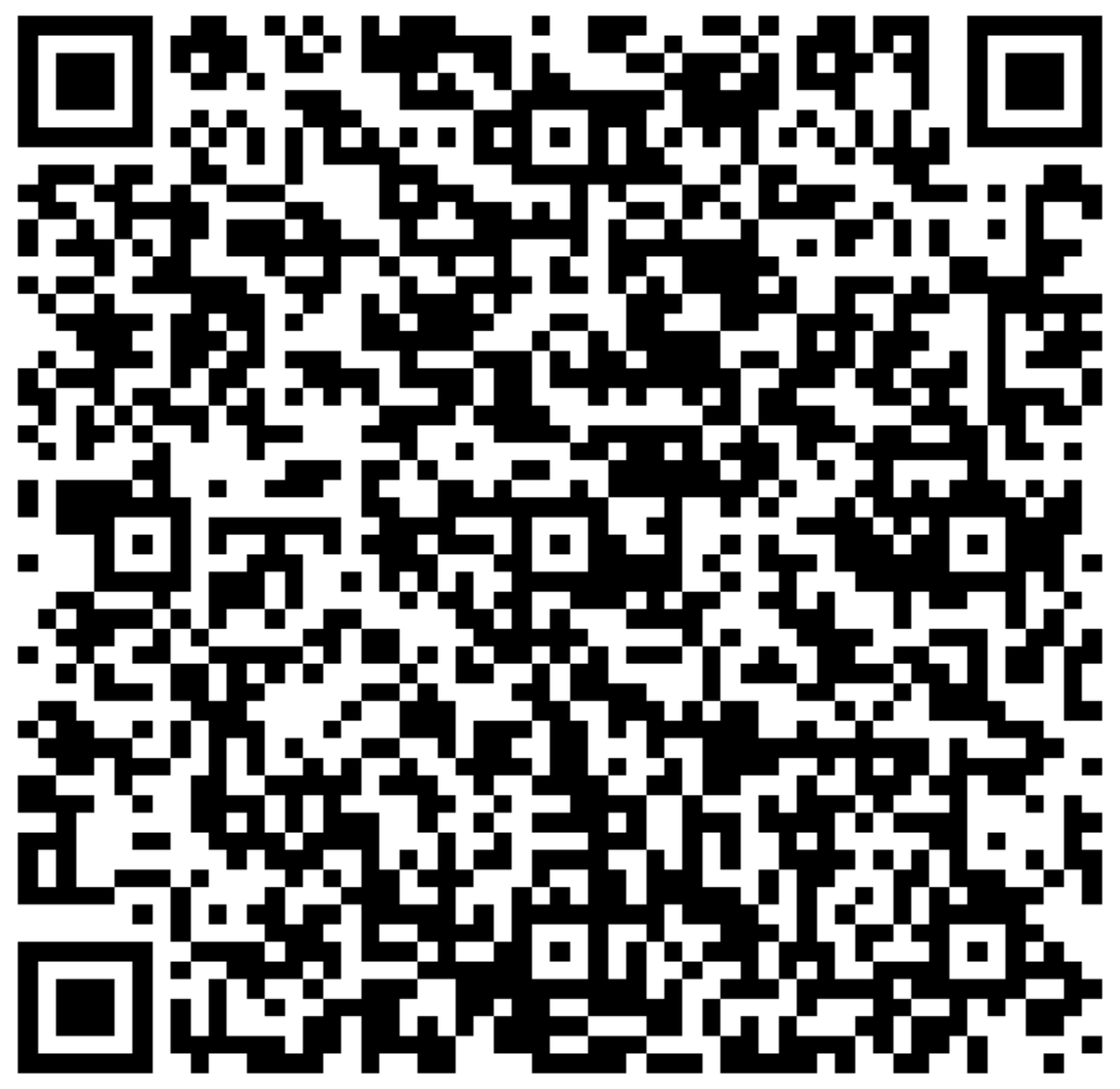
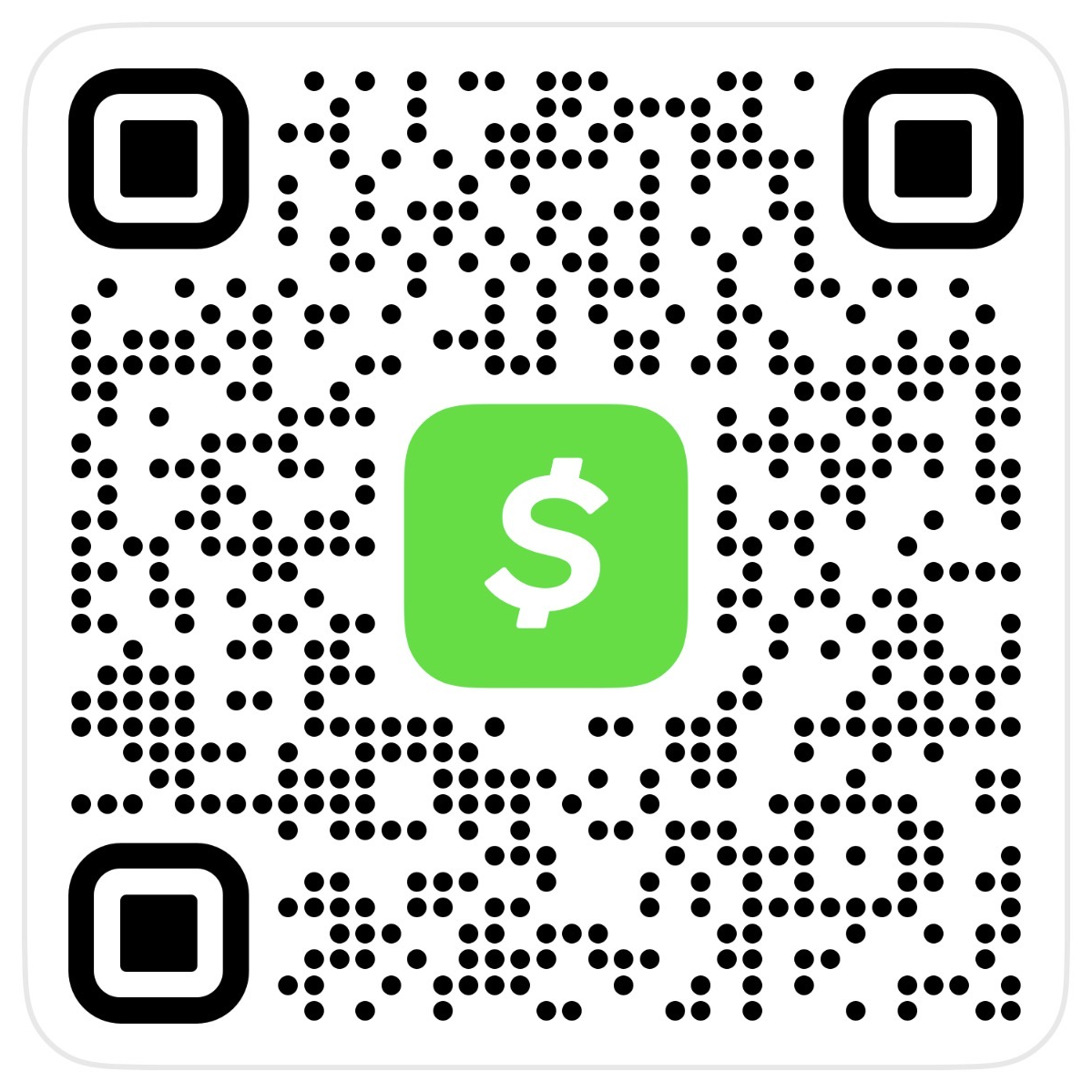
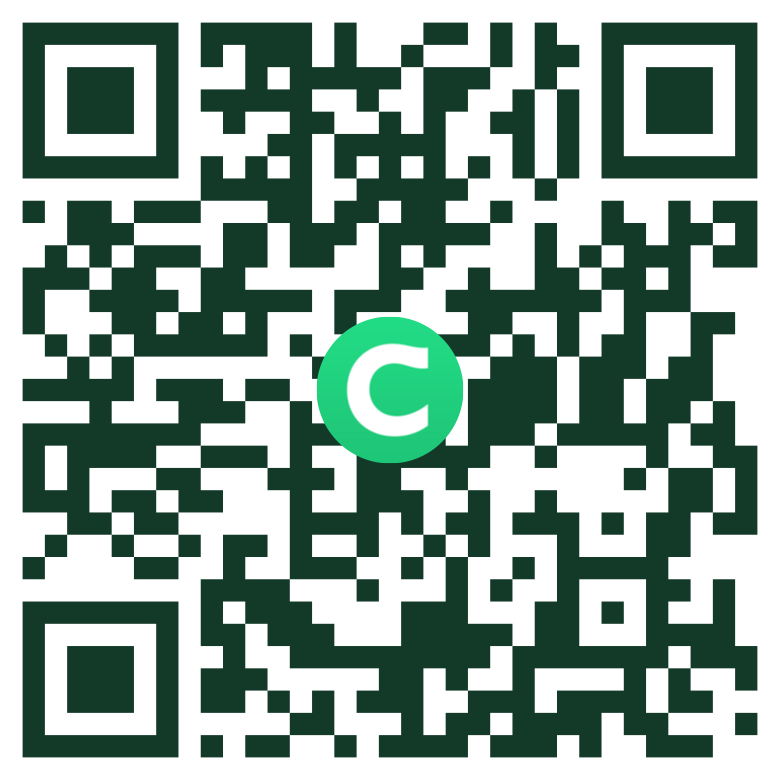
Use the profile link or scan the QR code for the transfer option. Confirm the ChimeSign and amount before sending.
Funding Route · Cash Option
Your Own Chime Account / Debit Card
Add cash to your own Chime account at a participating cashier. When the balance updates, send a separate payment using the agreed method and recipient.
ATMs are for withdrawals; they do not load cash or send your payment. A Chime debit card can be used at a live card checkout when offered.
Apple Pay is not currently offered. Any future availability will depend on approved payment arrangements for your agreement. Use a method currently provided in your written instructions.
The Apple Pay button appears at a supported merchant checkout with an eligible device and card.
Apple Pay Setup Pending
05Setup Pending
Google Pay
Merchant Checkout Setup Pending
Google Pay is not currently offered. Any future availability will depend on approved payment arrangements for your agreement. Use a method currently provided in your written instructions.
The Google Pay button appears at a supported merchant checkout with an eligible browser, device and card.
Google Pay Setup Pending
06By Request
Domestic Wire
Get Written Instructions for Your Payment
Call us to request the correct beneficiary and wire instructions for your payment. Confirm the details through a previously verified phone number before sending.
Bank fees and cutoff times may apply. Wire routing numbers and ACH routing numbers can differ.
BEFORE PAYING: Confirm the recipient, purpose, & amount. Keep your confirmation & receipt. For other methods please reach out to the primary point of contact that you've been working with thus far.
Unless we agree otherwise in advance, funds must be available to us the same day. We must confirm receipt in the receiving account; a cash-load receipt or “sent” screenshot alone does not confirm payment. Contact us before using a method that may arrive later.
You can add cash to your own eligible payment account at a participating store register. An ATM withdrawal does not send a payment to this business.
1
Find an eligible store.
Use Chime’s Deposit cash map or Cash App’s Deposit Paper Money map. Participation, limits, fees, and ID requirements vary.
2
Add cash at the register.
Follow your app’s barcode or card instructions. Check the amount actually added to your own account and keep the store receipt.
3
Send a separate payment.
Use the agreed recipient and amount after your balance updates. Keep the payment confirmation along with the cash-load receipt.
Find a Nearby Cash or ATM Location
Browse Grant, Madison, Randolph, Delaware, Vigo, and Sullivan counties. Choose your area and the service you need, then confirm the location in your app before traveling.
Find a store register to add cash to your own account, or an ATM for a cash withdrawal.
Starting With Cash? Add it to your own account at a participating register. Once your balance updates, send a separate payment to the recipient in your written instructions. Keep both receipts.
Using an ATM? These ATM listings are for Chime cash withdrawals. They do not accept Chime cash deposits or send your payment.
Add cash to your own Chime account at the register. Confirm this store in your Chime app before traveling. ATM withdrawals only. No Chime cash deposits at the ATM.
Check your app for cash-load participation, fees, and limits before traveling. Fees may apply. ATM withdrawals only. No Chime cash deposits at the ATM.
Check your app for cash-load participation, fees, and limits before traveling. Fees may apply. ATM withdrawals only. No Chime cash deposits at the ATM.
Check your app for cash-load participation, fees, and limits before traveling. Fees may apply. ATM withdrawals only. No Chime cash deposits at the ATM.
Check your app for cash-load participation, fees, and limits before traveling. Fees may apply. ATM withdrawals only. No Chime cash deposits at the ATM.
Check your app for cash-load participation, fees, and limits before traveling. Fees may apply. ATM withdrawals only. No Chime cash deposits at the ATM.
Check your app for cash-load participation, fees, and limits before traveling. Fees may apply. ATM withdrawals only. No Chime cash deposits at the ATM.
Check your app for cash-load participation, fees, and limits before traveling. Fees may apply. ATM withdrawals only. No Chime cash deposits at the ATM.
Add cash to your own Chime account at the register. Confirm this store in your Chime app before traveling. ATM withdrawals only. No Chime cash deposits at the ATM.
Add cash to your own Chime account at the register. Confirm this store in your Chime app before traveling. ATM withdrawals only. No Chime cash deposits at the ATM.
Add cash to your own Chime account at the register. Confirm this store in your Chime app before traveling. ATM withdrawals only. No Chime cash deposits at the ATM.
Add cash to your own Chime account at the register. Confirm this store in your Chime app before traveling. ATM withdrawals only. No Chime cash deposits at the ATM.
Add cash to your own Chime account at the register. Confirm this store in your Chime app before traveling. ATM withdrawals only. No Chime cash deposits at the ATM.
Check your app for cash-load participation, fees, and limits before traveling. Fees may apply. ATM withdrawals only. No Chime cash deposits at the ATM.
Check your app for cash-load participation, fees, and limits before traveling. Fees may apply. ATM withdrawals only. No Chime cash deposits at the ATM.
Check your app for cash-load participation, fees, and limits before traveling. Fees may apply. ATM withdrawals only. No Chime cash deposits at the ATM.
Check your app for cash-load participation, fees, and limits before traveling. Fees may apply. ATM withdrawals only. No Chime cash deposits at the ATM.
No locations match these filters. Choose Show All Areas or Show All Services to see more locations.
STORE-COUNTER BILL PAY
An option being evaluated.
Not yet enrolled for this business
These Walmart stores advertise money-service counters. To pay this business through a cash bill-pay service, first obtain its issued barcode or biller/account instructions. A store’s bill-pay service alone does not establish that it can pay this business.
The payment PDF and PNG are awaiting these latest updates. The earlier cash guide covers Marion, Anderson, Winchester, and nearby towns; use the website directory for the expanded east and west locations.
The supplied Zelle recipient is ANDERSON FREEDOM LLC. The supplied Cash App QR displays Jesse Anderson with $AndersonLegacyLLC. Use only the method and payee specified in your written agreement. If the details do not match, stop and contact the person who sent your agreement.
Does this page collect my bank or card details?
No bank or card credentials are entered on this page. Receiving links open the payment provider. Check the destination and recipient before authorizing a payment. This page does not verify completed payments or automatically authorize a bank debit.
Can I use a credit or debit card?
Apple Pay and Google Pay setup is pending. A live merchant checkout can be added to this page later. Use an available method in your written instructions in the meantime.
Are PayPal or Venmo offered?
PayPal and Venmo are not offered on this page. Follow one of the payment methods expressly supplied for your agreement.
Can I Drop Off Cash or Checks?
Call 765-396-0422 for an approved arrangement before visiting an office or sending a check. No walk-in cash collection office is designated on this page. A cash load at a retailer funds your own account; it is not a payment to The Anderson Legacy.
What if I need help or a different arrangement?
Call 765-396-0422, or reach out to the primary point of contact that you have been working with. Confirm any alternative arrangement before making a payment.
 Payment Page